What’s new in Siren Platform 16.0
|
Siren Platform 16.0 is a significant release that introduces many new features and updates to improve the capabilities of Siren Investigate. This necessitates deprecations and breaking changes. Please review the release notes before upgrading. |
Siren Investigate is compatible with the Siren AI plugin. Explore all the possibilities with K9, to get started see Siren AI.
Semantic searching: meaning-based search
Semantic search is a technique to understand the meaning and intent behind your search query, rather than just matching the words in your query. This allows you to have more accurate and relevant search results without needing to come up with the right combination of search words, as Siren Investigate can interpret synonyms, context, and related concepts.
Semantic search is available in Siren Search, the global search, and dashboard filters for semantic_text and dense_vector fields.
For more information, see Semantic Search.
Folders in the sidebar
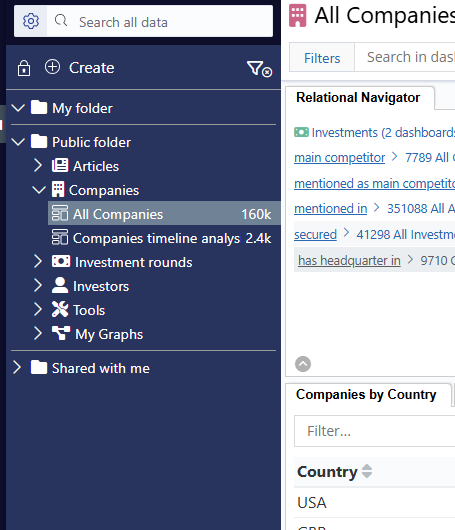
You can now organize your sidebar items into folders. This allows you to group related items together, making it easier to navigate and find what you need. There are three main sections, My folder, Public folder, and Shared with me. The folders can be expanded or collapsed, giving you more control over the sidebar layout and organization, which is especially important when there are many dashboards and graphs in your Siren Investigate instance.
Add nodes to the graph by entity
On the graph, you can now add nodes by entity. When adding by entity you can quickly and easily see which entity types have connected nodes. This helps you expand your graph with relevant information, making it easier to explore and analyze your data.
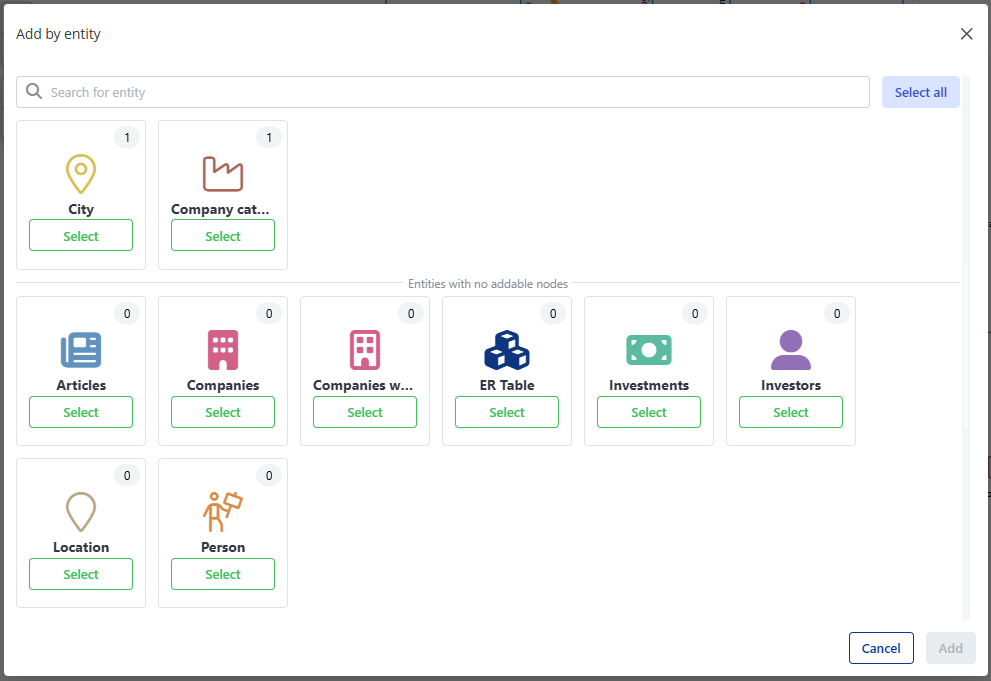
For more information, see Adding nodes by entity.
Show connected nodes or edges on the graph
You can now choose the count to show either connected nodes or connected edges. You can toggle the relations you want counted in the Relations side panel. This gives you more control over the graph visualization, allowing you to focus on the most relevant connections and relationships in your data.
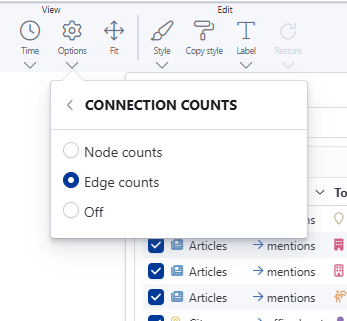
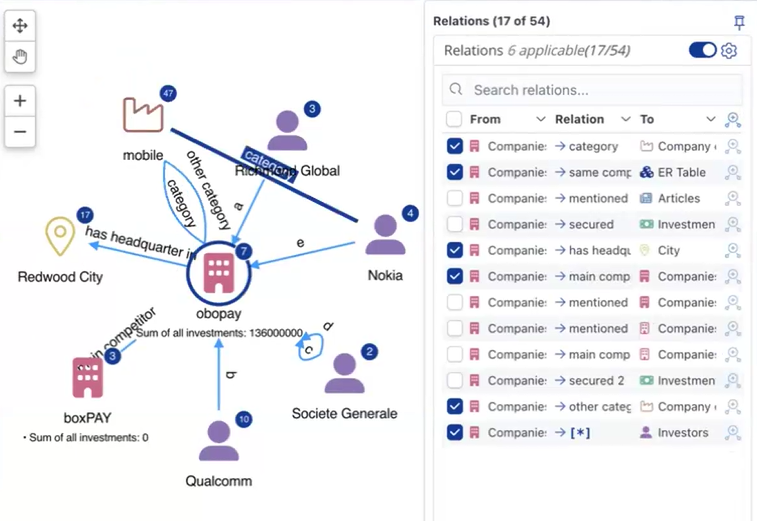
For more information, see Node Connection Counts.
Connect to multiple Elasticsearch hosts
You can now connect to an array of Elasticsearch hosts. This eliminates the single point of failure between the Siren Investigate node and an Elasticsearch node for added reassurance and reliability. If a host becomes unreachable, Siren Investigate will automatically connect to another available host in the array and Siren Investigate will continue to work seamlessly. To do this, replace elasticsearch.url with elasticsearch.hosts in your investigate.yml. For example:
elasticsearch.hosts:
  - 'https://localhost:9221'
  - 'https://localhost:9222'
  - 'https://localhost:9223'