K9 Companion
K9 Companion is an AI chat assistant that leverages the configured LLM provider to deliver intelligent, context-aware interactions. It is included as part of the Siren AI plugin.
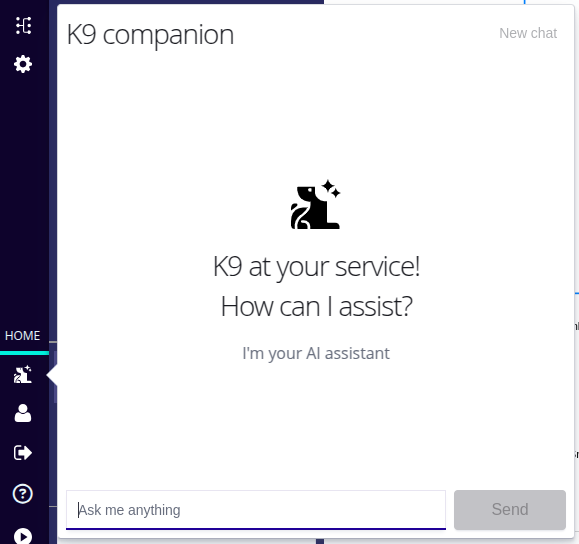
Using K9 Companion with a graph
When the K9 Companion is used alongside a graph, the graph data is automatically attached to the conversation. Users can ask detailed questions about the graph and receive context-aware answers. For example:
What people in this graph have invested in the most companies?
If you are using OpenAI or Azure OpenAI for the connected LLM, you can also ask K9 companion to interact with the graph. Currently, the integration only supports style changes to nodes and edges. For example:
Highlight the companies in the graph with the largest investments in the last year.
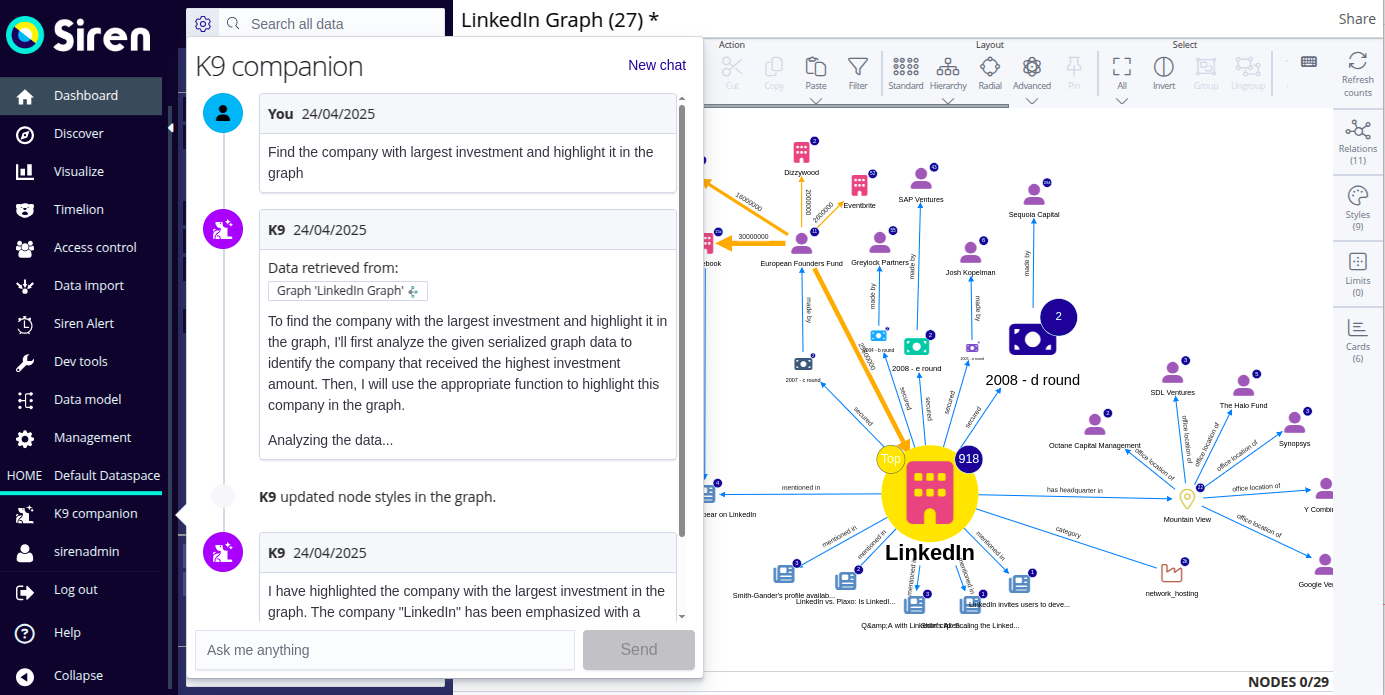
You can ask K9 to do anything that you can do with the Style tool from the toolbar plus some additional actions. You can ask K9 to change the following:
-
Node and edge color
-
node and edge size
-
Icon
-
Font style
-
Label
You do not need to be specific, you can make a subjective request like make the nodes prettier.
Graph data sent to the LLM
The data sent to the LLM consists of the graph name, nodes, and edges. Nodes and edges inside groups are sent, but the fact that they are grouped together is not.
All types of nodes are supported, including local nodes and EIDs. This node data consists of the node label, the entity table ID, the entity table name, the index pattern, and the main fields as configured in the data model.
All edge types are supported, including local edges, aggregated edges, and records-as-relations edges. The edge data consists of the edge label, the relation label, the relation inverse label, the source and target entity IDs, and the source and target node IDs.